One company, one review, both Labs and Capital
Labs and Capital Interconnect is live: the same company links once its registration numbers match, details are never typed twice, and Capital lines pay at Labs and on Supply. Parent companies, contracted developers and payers have a clear application and review of their own.
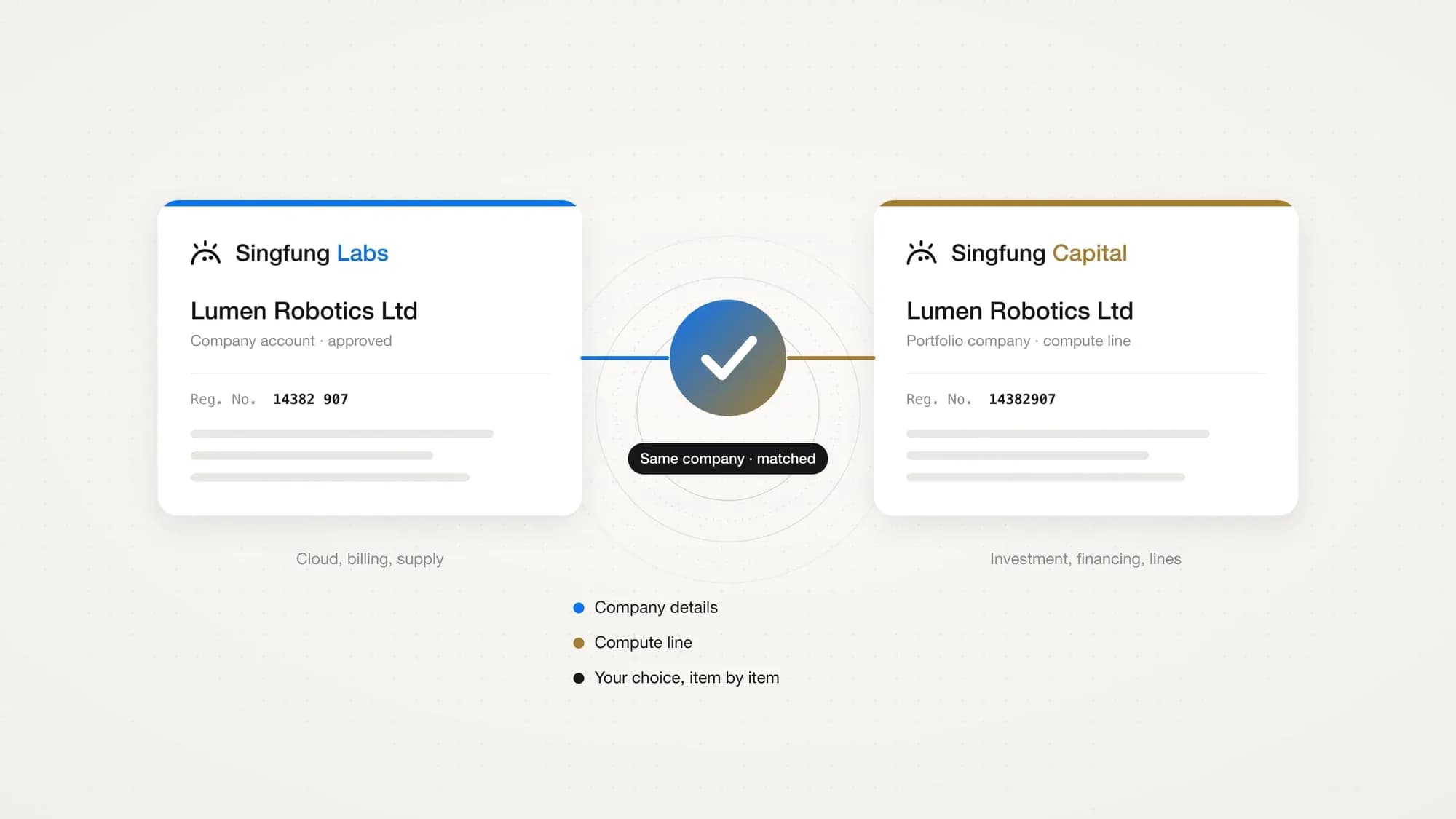
A company at Singfung is often two kinds of customer at once: it runs cloud, GPUs and networking at Labs, and applies to Capital for investment, financing or a compute line. Until now these were two separate worlds — the same company details typed twice, the same registration checked twice, and Capital lines matched to Labs bills by hand.
From today Labs and Capital Interconnect is live. It is the step that truly joins the group’s cloud and capital businesses.
Two accounts, still separate
We did not merge them into one account. Labs and Capital are different relationships, each with its own passwords, team members, database and reviews. What Interconnect does is let the two sides recognise each other within limits, once you agree: only the necessary details and the items you tick yourself, and either side can unlink at any time.

The same company: matched by registration number, live at once
When linking, the system compares the place and number of registration on both sides — not the Chinese or English names, and ignoring spaces and punctuation, so “14382 907” and “14382907” count as one company. If they match, one confirmation makes the link live; if Capital has no identity on file yet, it takes the one Labs approved, locked.
Interconnect is for approved company accounts only. Personal and developer accounts first apply to upgrade, and go through the same review as a new company account — registration documents, beneficial owners and business use, nothing skipped.
Two different companies: apply, sign, review
In practice, the company that receives the investment and the one that runs the cloud are not always the same: the money sits with a parent while a subsidiary runs the platform, or the investee has another company build the project. Rather than refusing these outright, we give them a clear path:
- Apply as related companies: choose the relationship (parent, subsidiary or same group; contracted developer or delivery partner; third-party payer), explain why, and attach evidence such as an ownership chart or the contract.
- Both sign the payment authorisation: the system prepares it, and each company’s signatory signs on Singfung Sign (key.singfung.uk) after verifying their identity; Singfung countersigns.
- Singfung reviews: about 3 working days. We verify beneficial owners, screen for sanctions and money laundering, and set a paying limit and period on approval, visible in both portals.
Until the review is done, nothing passes between the two and nothing can be paid.
What passes, and what never does

Only what the link itself needs passes automatically: the Labs company details, contact person and review status; the Capital company and project names, and the compute line. Spend, monthly bills, the service list, stage and sector, and the investment balance all start unticked — yours to decide item by item.
Passwords and passkeys, chats and tickets, what runs on your servers, valuations and holdings, investment terms, identity-document images and the other side’s sign-in history never pass.
Paying with the line: the compute line by default

A compute line from Capital is split between Labs and the supply platform. Open any unpaid Labs invoice, or check out on Supply, and pay with the line directly; anything left is paid the usual way.
Investment money is meant for the investee itself, so we are careful: only the compute line pays by default. To use the investment balance it must be ticked when linking, and between two different companies the investee must also switch it on in its own Capital portal — and can switch it off again at any time. Invoices stay in the original name, and every payment is recorded in both sides’ link history.
Only on one side? Open the other in one step
Already a Labs company customer and want Capital? Under Capital funding & lines in the Labs console, choose “Open Capital” to open a Capital company from your approved Labs details, linked automatically. It opens at once, but you add the beneficial owners and shareholding, and money and lines work once Capital verifies them; investment and financing applications still go through Capital’s normal review.
The other way round, a Capital portfolio company can open a Labs company account from its Company page, adding how it will use Labs and its expected spend, and passing the same review as any new Labs company account.
Written down properly
We have published a new Interconnect Agreement covering same-company and related-company links, paying on another’s behalf, how data is used and kept, each side’s warranties, and suspension and unlinking; the Online Signing Terms, the Supply Platform Terms, the Privacy Policy and the Terms of Service are updated too. The version you agree to is kept with each link.
If you already have a Labs or Capital company account, you can start at singfung.uk/connect today. Any questions, reach us through live chat or a ticket.
Keep reading
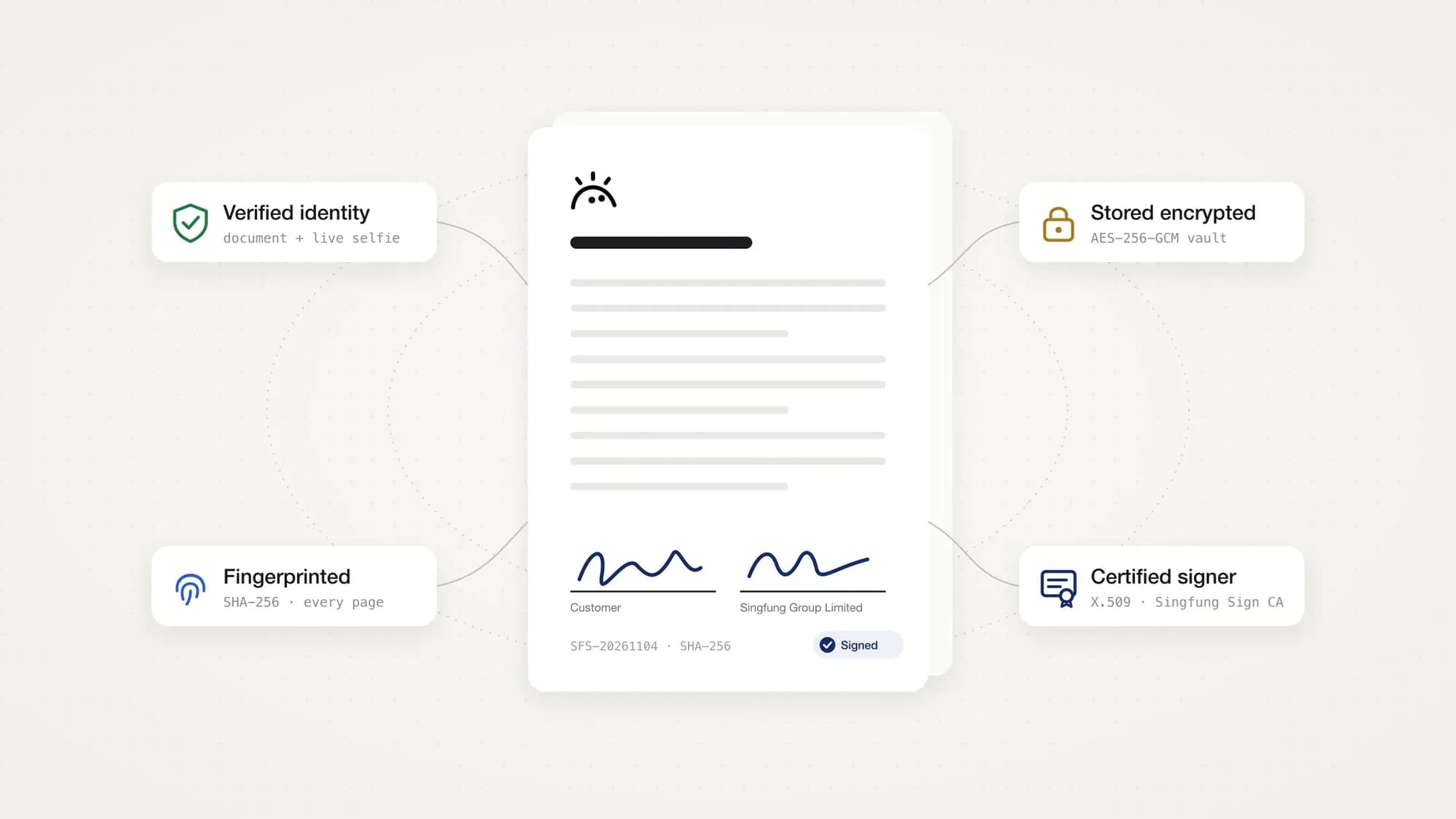
Signing a contract no longer takes a printer, a scanner and a courier
Singfung Sign (key.singfung.uk) is live: verify your identity, sign online for yourself or your company, and every document is kept encrypted with a digital certificate. Private cloud, financing, investment and purchase contracts now take minutes.
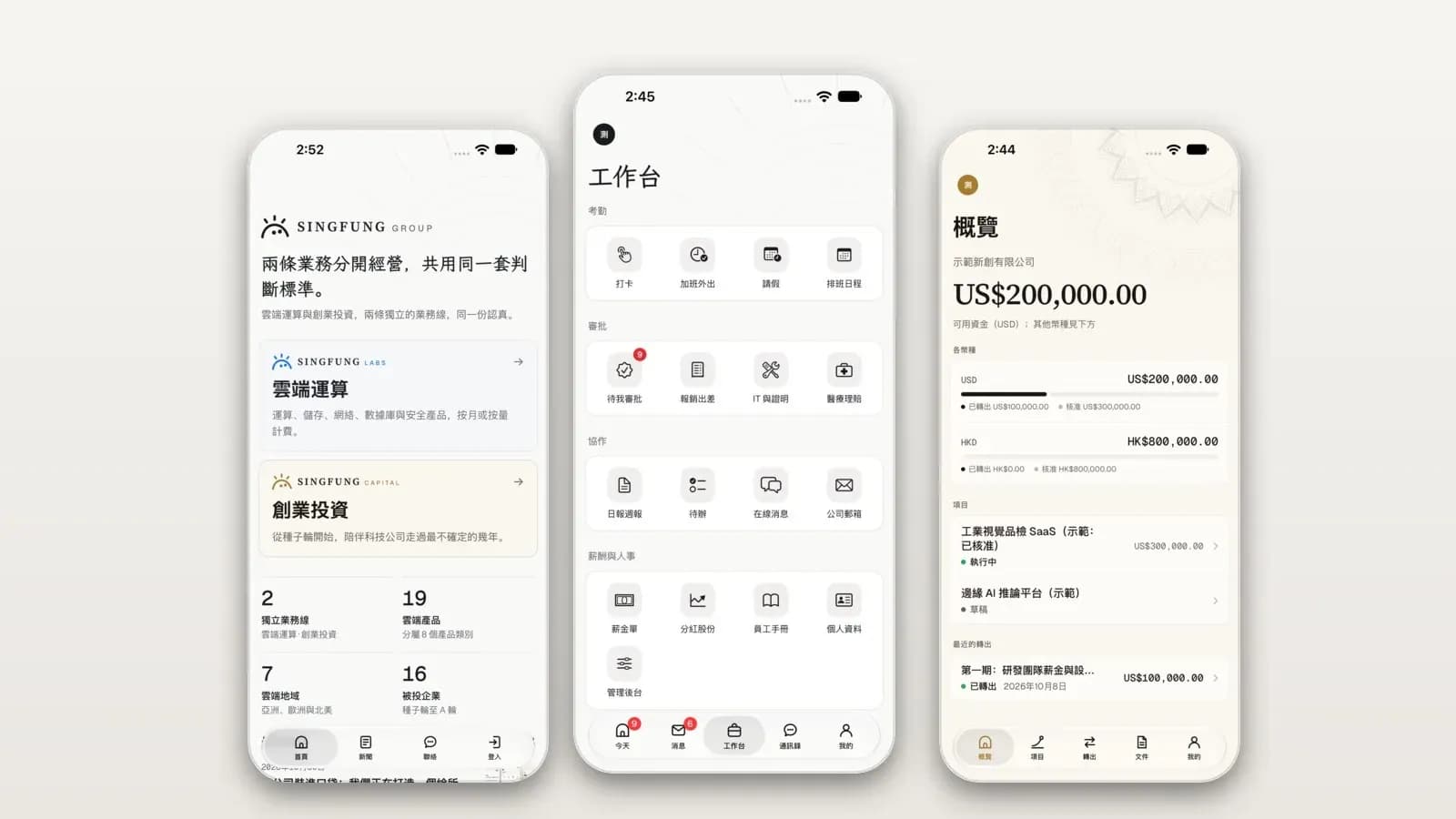
Putting the company in your pocket: a Singfung app for everyone we work with
Until now, customers managing cloud services, founders following their projects and colleagues asking for leave all had to open a web page. We are moving all of it into one app, where customers, founders and colleagues each find the part that is theirs — and it is already adapted for iPhone Duo.
Daily billing for GPU cloud servers
NVIDIA RTX 4090, RTX 5090 and L40S can now be rented by the day — for short training runs, model trials and bursts of demand.