Putting the company in your pocket: a Singfung app for everyone we work with
Until now, customers managing cloud services, founders following their projects and colleagues asking for leave all had to open a web page. We are moving all of it into one app, where customers, founders and colleagues each find the part that is theirs — and it is already adapted for iPhone Duo.
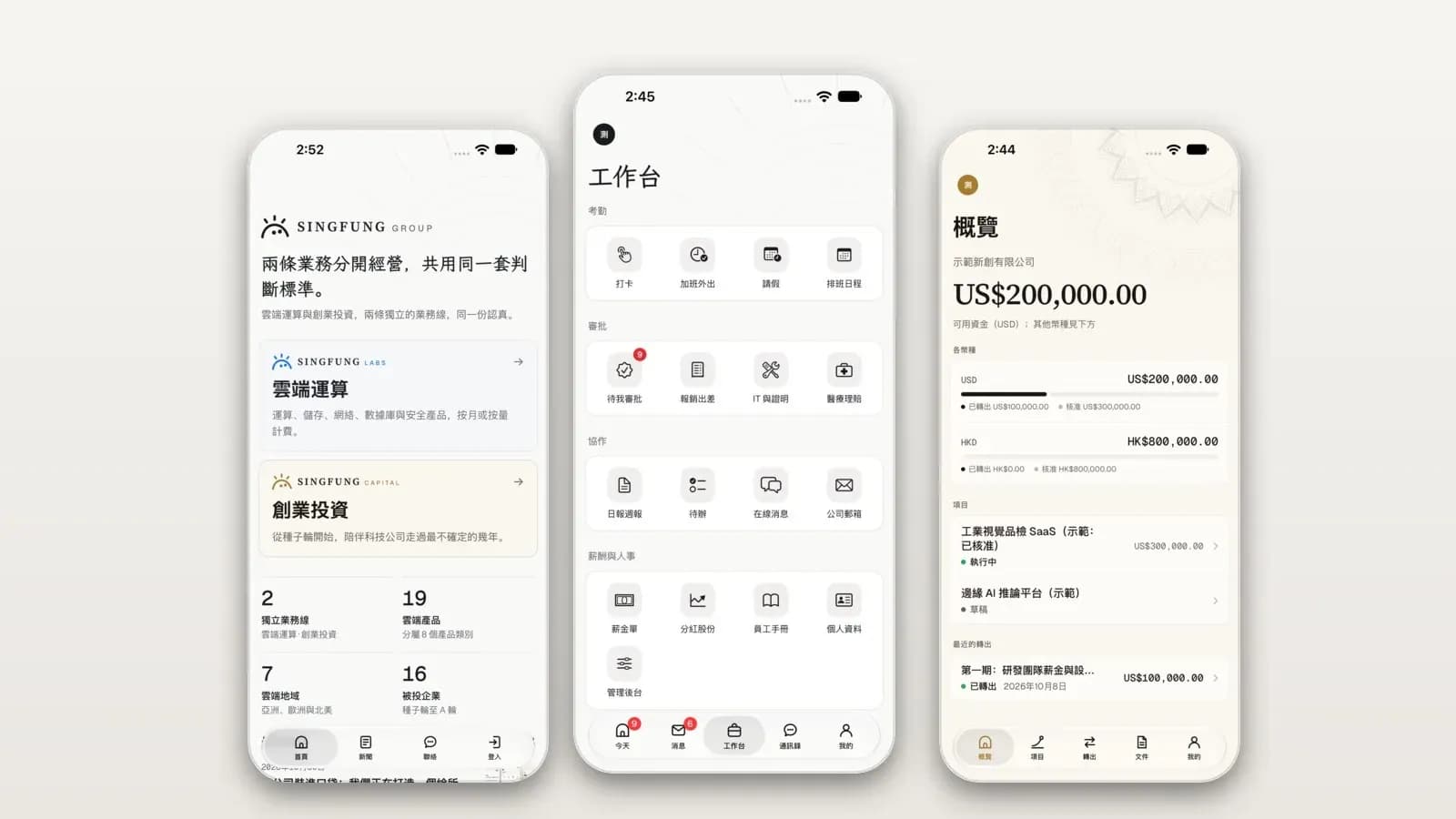
For the past few years, most of the work at Singfung Group has happened on web pages. Customers manage their cloud services, invoices and tickets in the account centre; founders follow their projects and transfers in the Capital portal; colleagues ask for leave, claim expenses and read their payslips in the staff portal. The pages work, but more and more people open them on a phone — on the road, at a customer’s, between two meetings — pinching, zooming, signing in again and waiting for each page to load.
So we decided to put the company in your pocket. We are building a Singfung app and moving what can be done on the web into it, one thing at a time. It is not the website in a frame: it is written for the phone from the ground up. Every screen, button and animation has been designed again for how people use a phone — in the same style as our website, but shaped like a tool you open every day.
One app, a space for each
Whoever opens it sees the part that is theirs. Visitors without an account can read about the group, Singfung Labs and Singfung Capital, follow the news and get in touch. Once signed in, the whole app takes on that account’s colours, logo and tools.
For Singfung Labs customers
- An overview of what is due, which services are running and which tickets are open.
- Each service shows its status and usage, can be started, stopped and restarted, and gives its sign-in details when you need them.
- Invoices can be read and downloaded as PDF on the phone, and paid from your balance or credit line where you have one.
- Tickets read like a conversation with our engineers, with photos straight from the camera.
- Applications for a company or developer account and for a credit line are step-by-step forms you can finish — and add to — on the phone.
For founders backed by Singfung Capital
- The home screen shows the company’s available funds in each currency, with what has been approved, sent and is in progress.
- Each project shows its milestones and updates; when money is needed, a transfer can be requested on the phone and followed all the way.
- Agreements and documents can be read and signed in the app, with a record of every signature.
- Business plans can be saved as drafts and submitted when ready; founders who have no account yet can send one straight from the Capital page in the app.
For our colleagues
For colleagues we drew on the office software people already know and built a workplace:
- Clocking in, checked against the office’s location, its Wi-Fi or its network, with remote and out-of-office clock-ins allowed where they fit — the app tells you before you tap if you are out of range.
- Working time: each person keeps fixed office hours, flexible hours, a roster or no clocking at all, according to their work; when a project needs people in on time, HR can adjust their hours for that period, and everything returns to normal afterwards.
- A monthly attendance calendar, and requests for overtime, time out of the office or a missed clock-in, each showing where its approval has got to.
- Leave, expenses with receipts scanned by the camera, medical claims, daily and weekly reports, to-dos and approvals, all in one place.
- Payslips and dividend shares open only with Face ID; the directory is grouped by department, with a message or a call one tap away.
HR sets all of these rules; the app simply shows each person how their day works.
Accounts stay apart
One person may be a Singfung Labs customer, a founder backed by Singfung Capital and one of our colleagues. The app lets several accounts sit side by side and switch with one tap under Me. Each is kept and signed in separately on the phone, and our servers never learn that they share one. Singfung Labs and Singfung Capital accounts are never linked to each other — that is a promise to our customers, and the app does not change it.
Open, and it is there
The app keeps what you last saw on the phone, shows it straight away and updates it quietly in the background; when the website has something new, the opening animation fetches it on the way in. Without a connection you can still read everything, with a note saying how recent it is. Anything that needs the internet tells you plainly why it cannot be done just now, rather than leaving you watching a spinner.
Ready for iPhone Duo

The Singfung app is adapted for iPhone Duo, not merely able to open on it. Folded, the system moves the tab bar to the side of the outer display and gives the screen back to the content. Unfolded, the inner display becomes a sidebar, a list and the item you opened, side by side — moving between tickets, invoices, projects, letters and the directory without going back page by page. The two columns of each home screen split along the fold, so nothing sits on the crease. The same layout works on iPad.
Security and privacy
Each account’s sign-in is kept in the phone’s keychain, on this phone only, and never synced to other devices. Face ID can lock the app when you come back after a while, and its screen is blurred in the app switcher. Signing out of an account removes its data from the phone.
What stays on the web
Payments are still made on the web: tapping Pay in the app opens the payment page in your browser. Back-office work such as products, prices and system settings stays on the web too. The account centre, the Capital portal and the staff portal on the web carry on as they are; nothing is being taken away because of the app, and anyone who prefers the web need not change a thing.
When you can use it
For now the app is an internal test version that colleagues install and use first, and we will keep changing it based on what they tell us. We will announce here when it reaches the App Store and how customers and founders can get it. Until then, everything continues on the web as usual.
The tools should be where the work happens.
Keep reading
One company, one review, both Labs and Capital
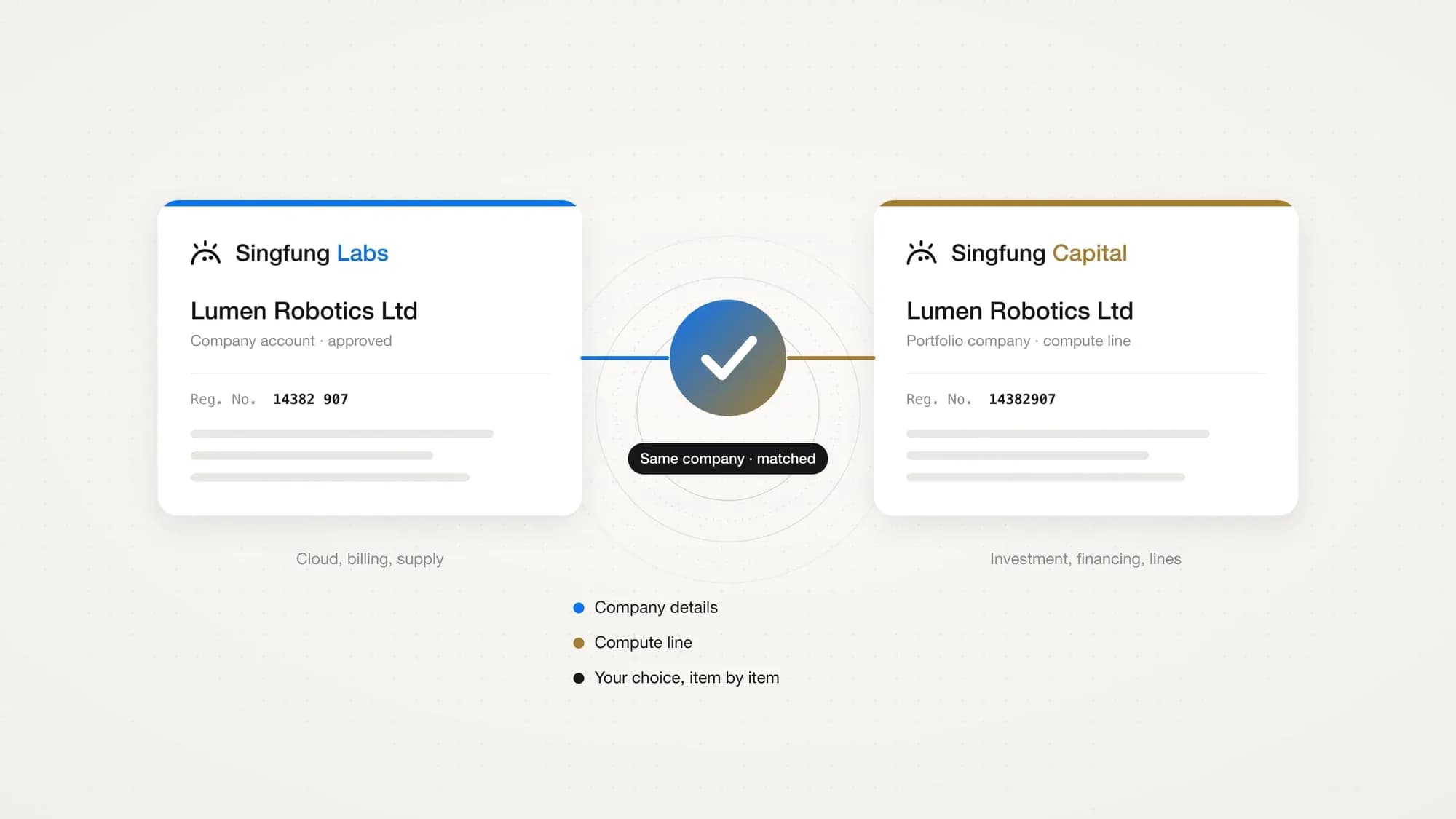
Labs and Capital Interconnect is live: the same company links once its registration numbers match, details are never typed twice, and Capital lines pay at Labs and on Supply. Parent companies, contracted developers and payers have a clear application and review of their own.
Signing a contract no longer takes a printer, a scanner and a courier
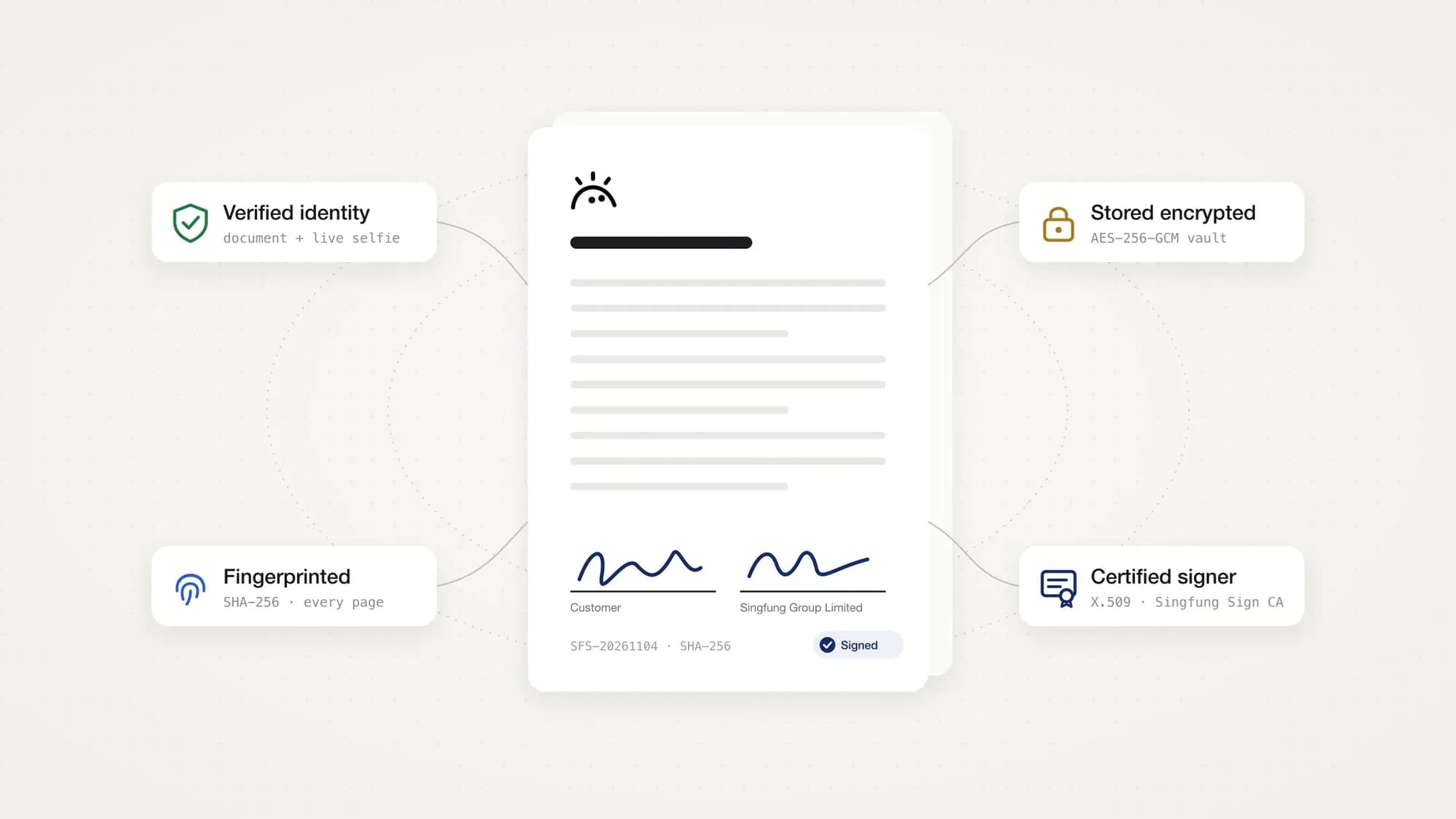
Singfung Sign (key.singfung.uk) is live: verify your identity, sign online for yourself or your company, and every document is kept encrypted with a digital certificate. Private cloud, financing, investment and purchase contracts now take minutes.
Daily billing for GPU cloud servers
NVIDIA RTX 4090, RTX 5090 and L40S can now be rented by the day — for short training runs, model trials and bursts of demand.